Four text engines
Continuous text, word lessons, line-by-line code and free Vim editing each keep their own input rules.
Words, articles, code and Vim in one practice loop. Typegrove does not rush you or turn practice into a game; it keeps the text, progress and feedback on the desk.
Local-first · No account · macOS 12+
The interface stays out of the way; every number comes from this run.
Continuous text, word lessons, line-by-line code and free Vim editing each keep their own input rules.
Adjusted and raw WPM, accuracy, per-key errors and a rolling speed chart, stored locally.
Dictionaries, articles, progress and packs live on this machine; fetching a URL article is the only network request.
Reads the current word as you type, through the system voice or a replaceable native implementation.
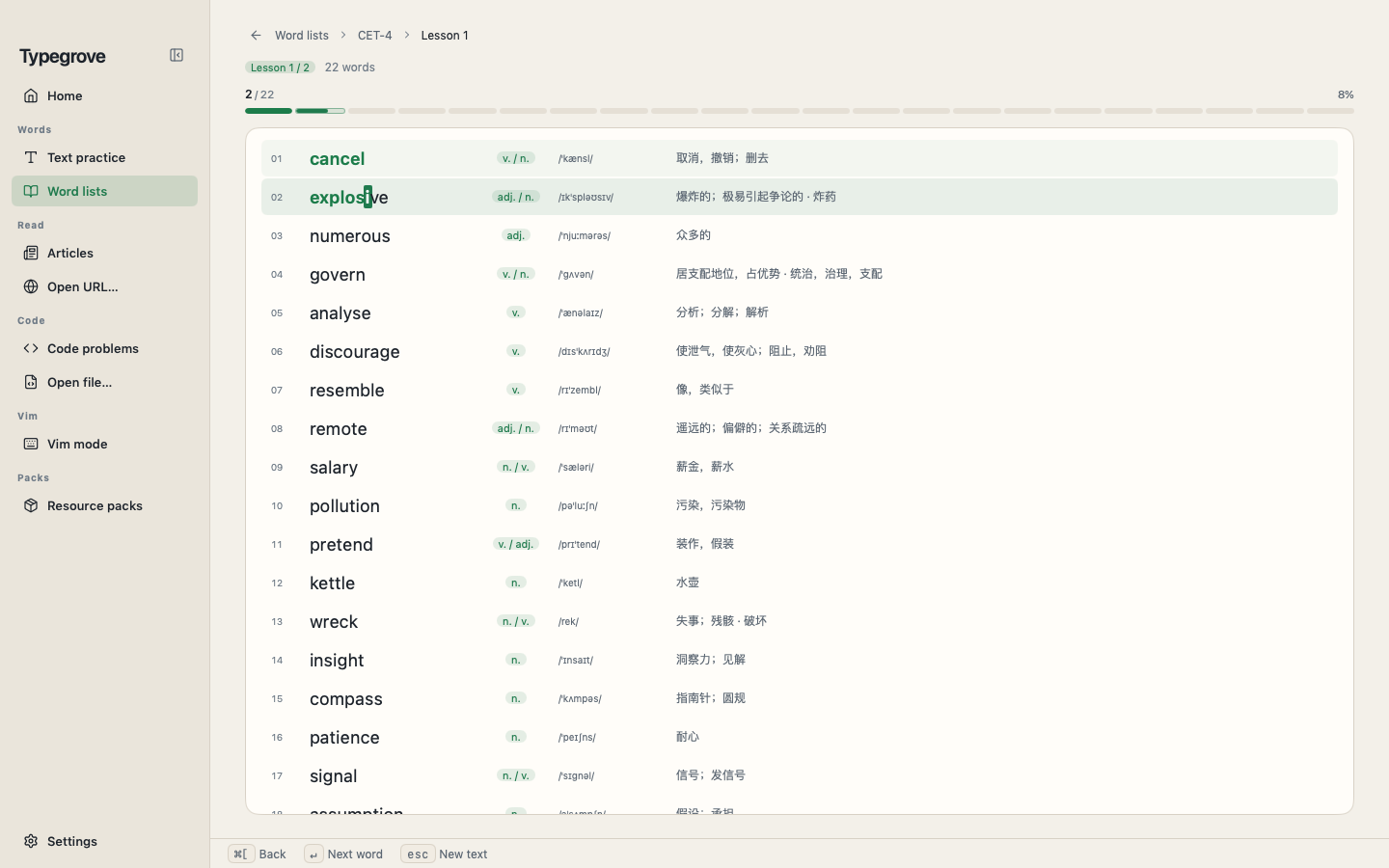
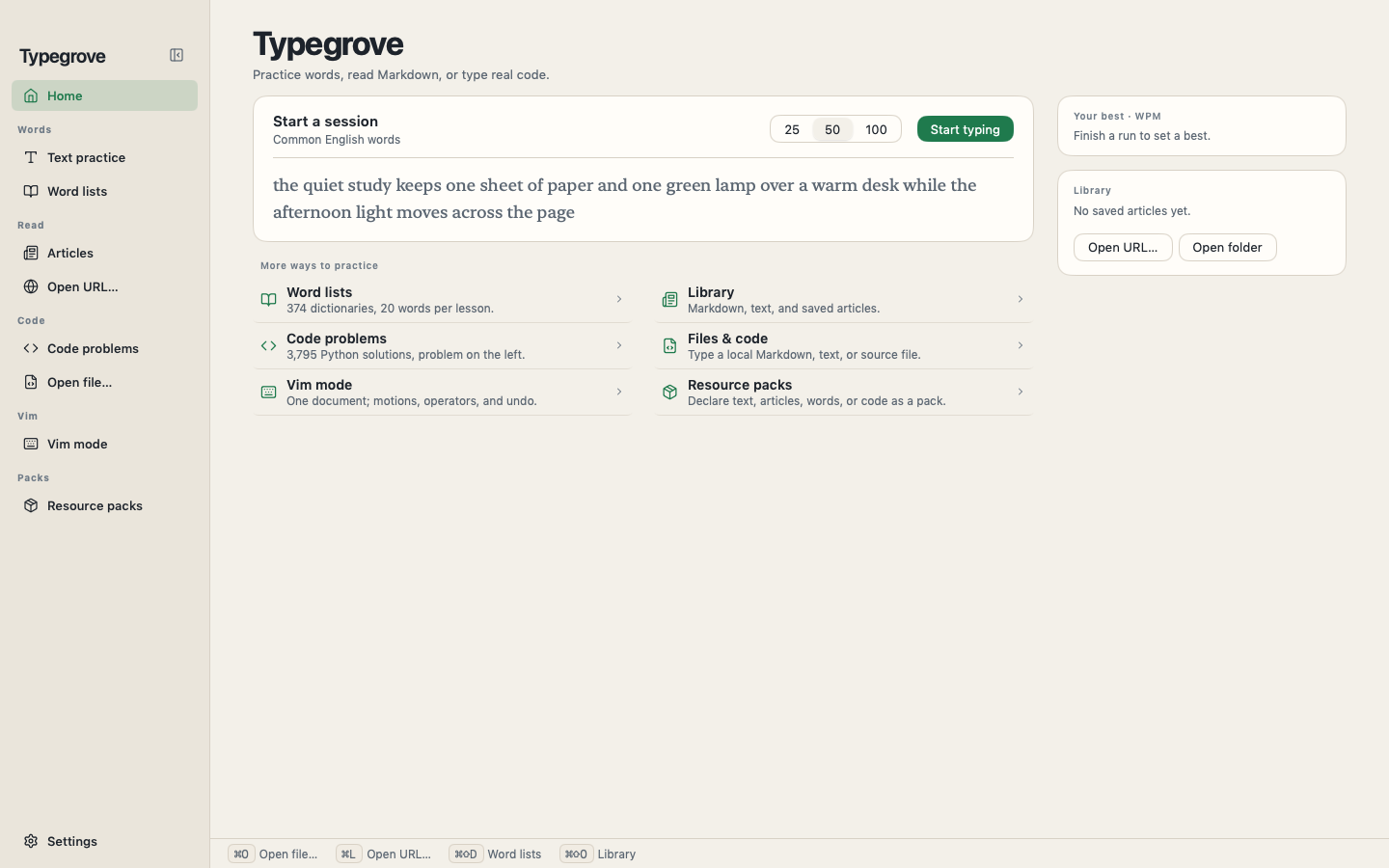
Typegrove on macOS · local documents and article preview
From 374 word lists to real source files, from Markdown articles to LeetCode solutions.
20 words a lesson, with part of speech, phonetics, meaning and progress in one row.
Continuous English, Markdown or TXT; click anywhere to move the caret.
Local documents or a fetched URL, typing on the left and preview on the right.
Type real source line by line, with syntax highlighting kept intact.
3,795 Python solutions with the problem statement beside the code.
Normal/insert modes, motions, operators, text objects and undo.
One app, two licences. Licences activate per device and work offline.
Try the full app first
One purchase, forever
Tax included. Refunds within 14 days.
The licence appears on this page after payment; save it now.
Download the macOS app and activate it with the licence key shown after purchase.
If macOS cannot verify the developer, open it once from Finder with the context menu; signed and notarised builds ship with updates.
Typegrove 0.1.0
Direct download build; macOS 12 or later, Apple Silicon and Intel.
5 questions about licences, devices, and the app.
No. The licence key is shown right after purchase and verifies locally, online once and then offline.
One for annual, two for lifetime. Unbind an old device in the licence portal when you move.
macOS today. The same MyGo code can build Windows and Linux; no date yet.
It is a later channel to evaluate; the direct build keeps local files and packs unrestricted.
Within 14 days, if the app cannot run on your Mac, email us for a full refund.